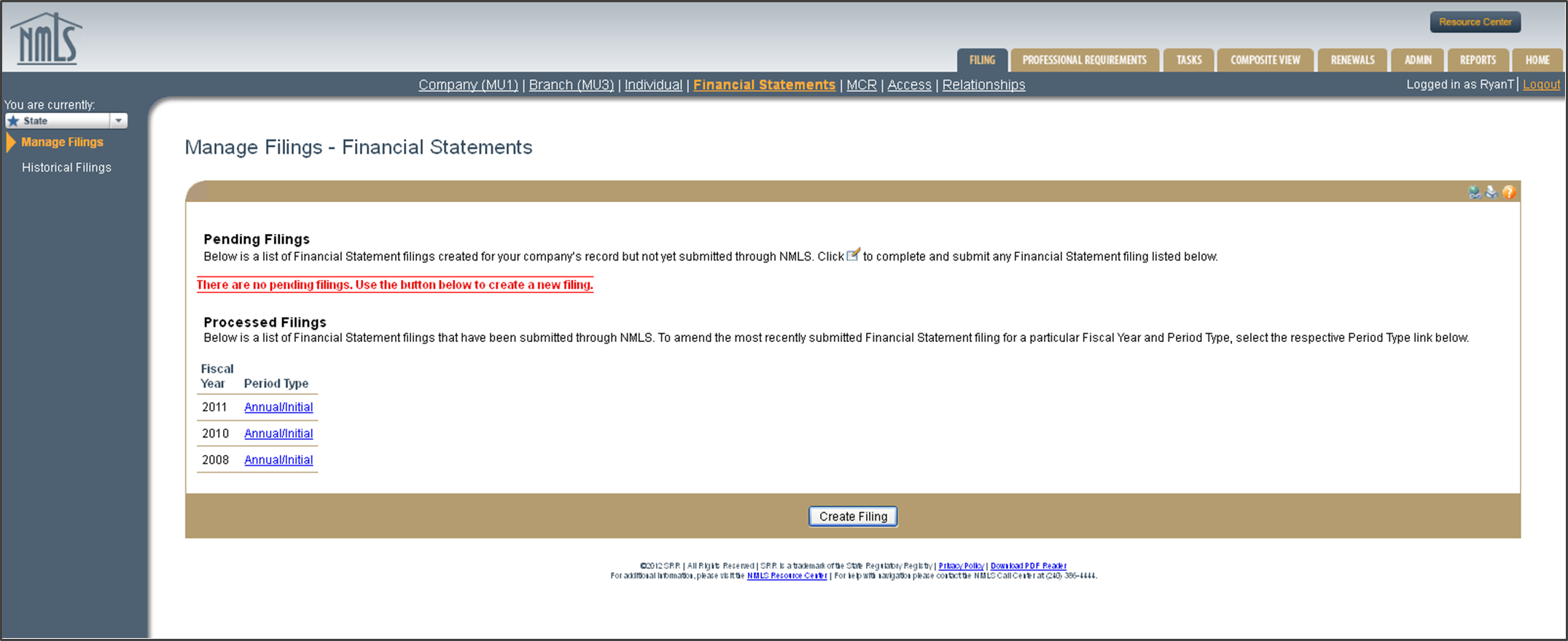
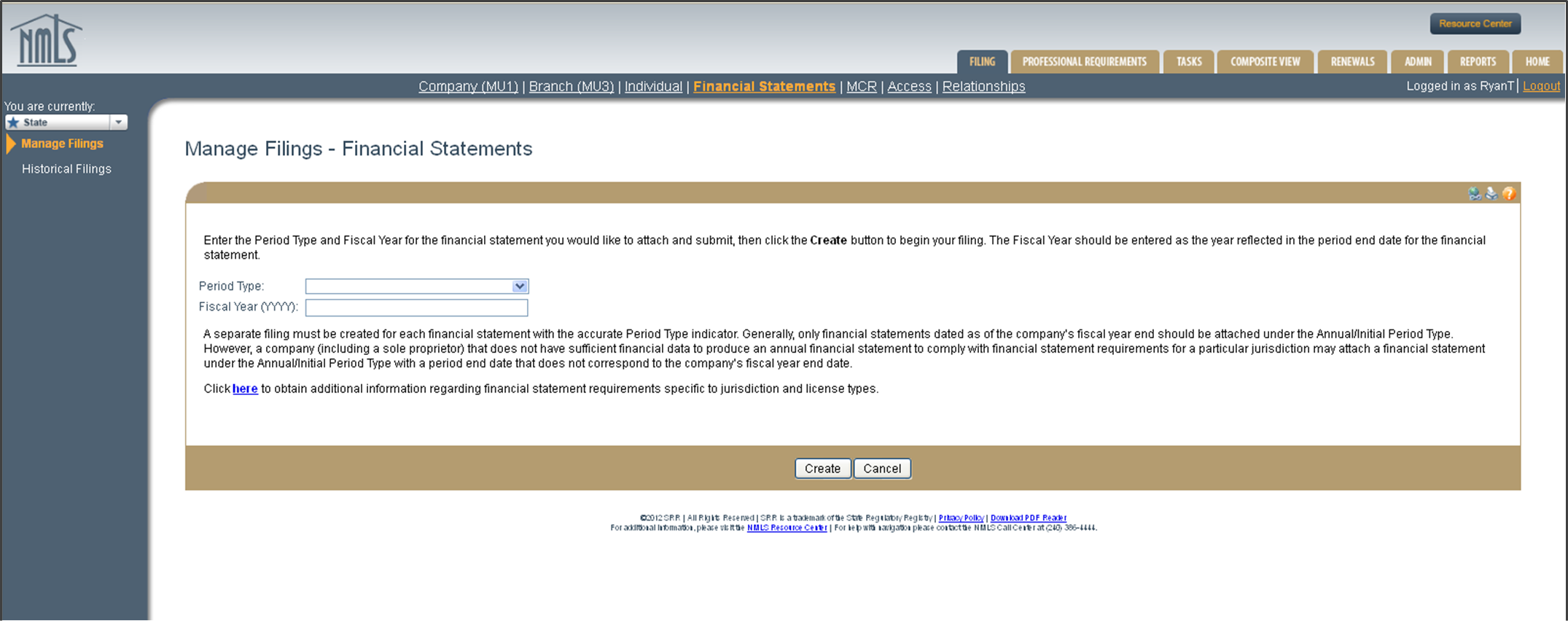
Manage Filings—Financial Statements
As required by the license type for which you are applying, new applicants will not be able to submit a completed Company Form (MU1) unless the appropriate financial statement has been attached to their record.
Existing licensees will have the ability to file financial statements in NMLS throughout the year. State regulators have set a policy that all licensees required to file an annual financial statement must do so within 90 days of their fiscal year end. The system will allow for quarterly updates, semi-annual, and year-to-date financial statements as required by some states.
A separate filing must be created for each financial statement with the accurate Period Type indicator. Generally, only financial statements dated as of the company’s fiscal year end should be attached under the Annual / Initial Period Type. If a NEW APPLICANT does not have sufficient financial data to satisfy the new application financial statement requirement for a state and all states where the company is seeking licensure allow this, the company may attach a financial statement under the Annual / Initial Period Type with a period end date that does not correspond to the company’s fiscal year end.
New application requirements may require a prior year financial statement and/or a year-to-date financial statement. The current year financial statement should be posted under Annual / Initial Period Type, while prior year financial statements should be posted with the appropriate classification and time period.
If your company prepares consolidated financial statements and the states in which you are applying or are currently licensed accept them to satisfy the financial statement requirement, you may submit those through the system.